Transform Any Character Into a New Pose
Upload a character image and a pose reference, and AI instantly recreates the character in a completely new body pose. Keep the same identity while changing the mood, composition, and style.

Upload an character, pose reference, and instantly recreate it in a new pose. From dynamic action scenes to stylish, expressive, and eye-catching poses, Pose Changer keeps the character’s identity while generating a fresh new look.
🎁 Login to claim 200-500 free credits.
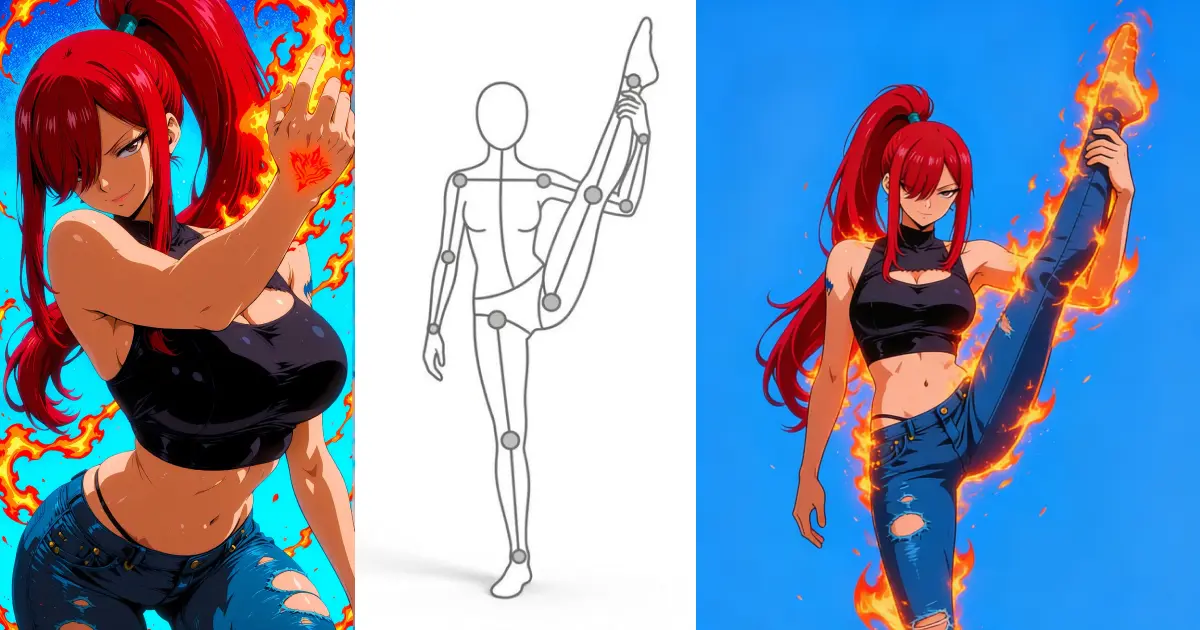
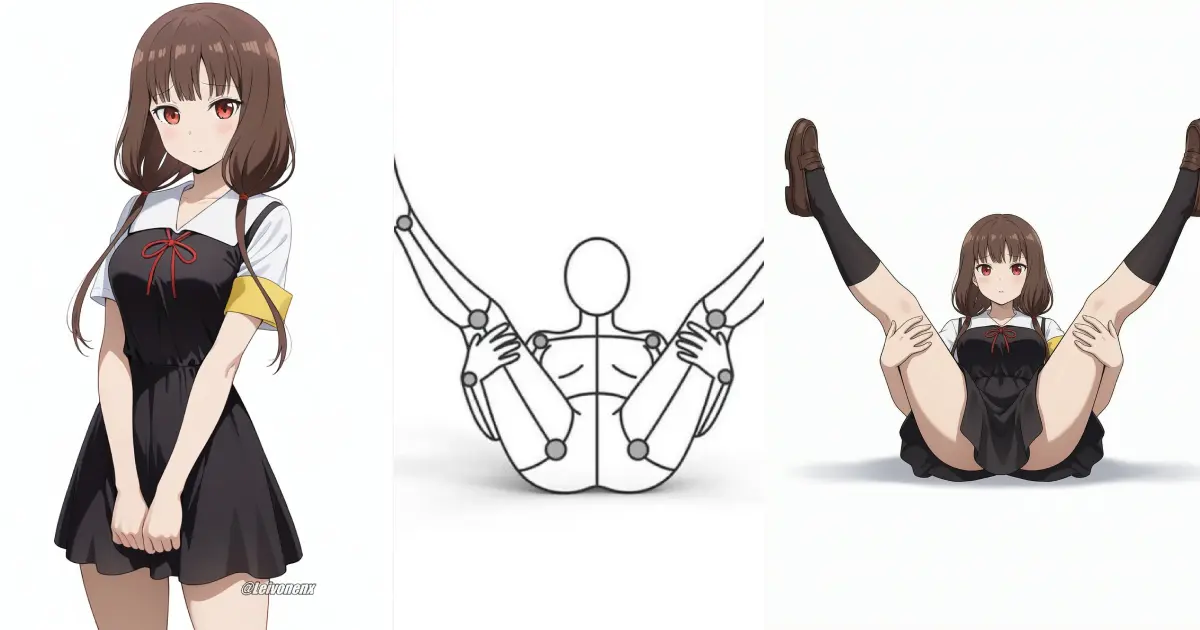
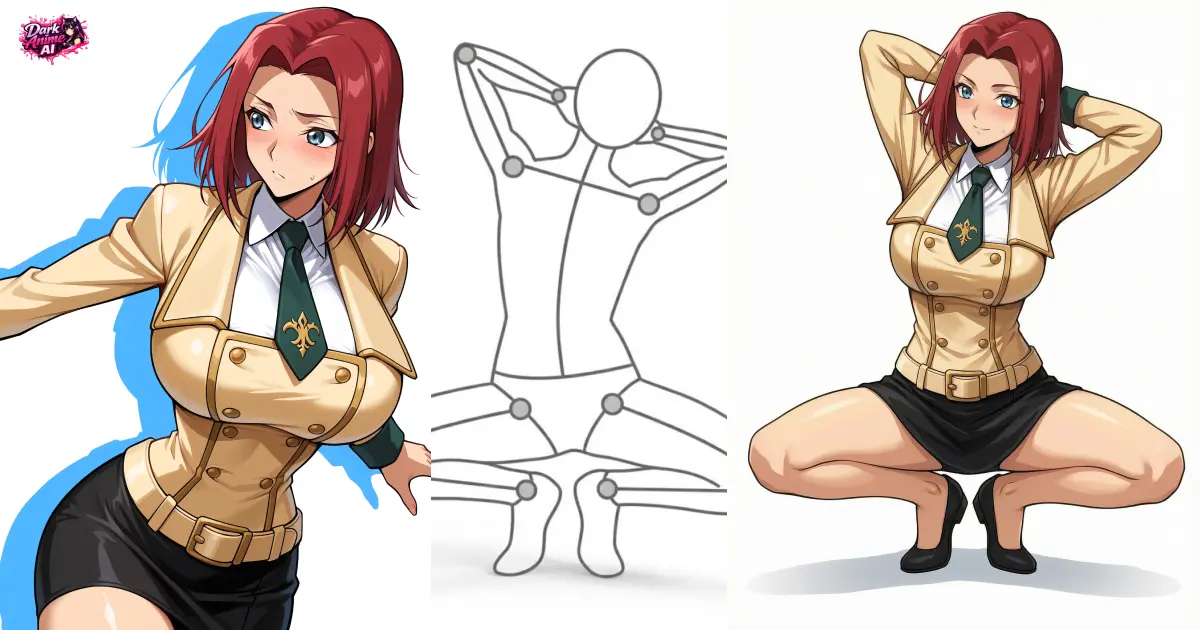
Right-click or long press on image to save; Please save your result first.
Upload an anime character, avatar, illustration, or portrait you want to transform. The AI keeps the character’s appearance, hairstyle, face, and identity.
Upload a second image showing the pose you want. The AI analyzes the body position, angle, and composition, then transfers that pose onto your character.
Click generate to create your new pose transfer. You can also edit the prompt to change the outfit, background, expression, camera angle, lighting, or overall scene.
Upload a character image and a pose reference, and AI instantly recreates the character in a completely new body pose. Keep the same identity while changing the mood, composition, and style.
AI Pose Changer works with anime characters, VTuber avatars, original illustrations, game characters, and real portraits. Transfer any pose onto any character in seconds.
After transferring the pose, you can customize the scene with text prompts. Change the outfit, expression, camera angle, lighting, or background to create exactly the image you want.
Front-facing or easy-to-see character images with visible facial features and body shape help the AI preserve identity more accurately.
Pose references with a clear body outline, visible limbs, and minimal obstruction work better than crowded or blurry images.
Choose the appropriate dimension for new pose results.
After uploading your character and pose reference, adjust the prompt to control the scene. Add details like outfit, lighting, expression, background, or camera angle. For example: 'anime girl in the same pose, wearing a black dress, standing in neon city lights at night.'
The first image is the character, the second image is the pose reference. The AI will transfer the pose from the second image onto the first image.